

Is email secure?
Read the original in Spanish →
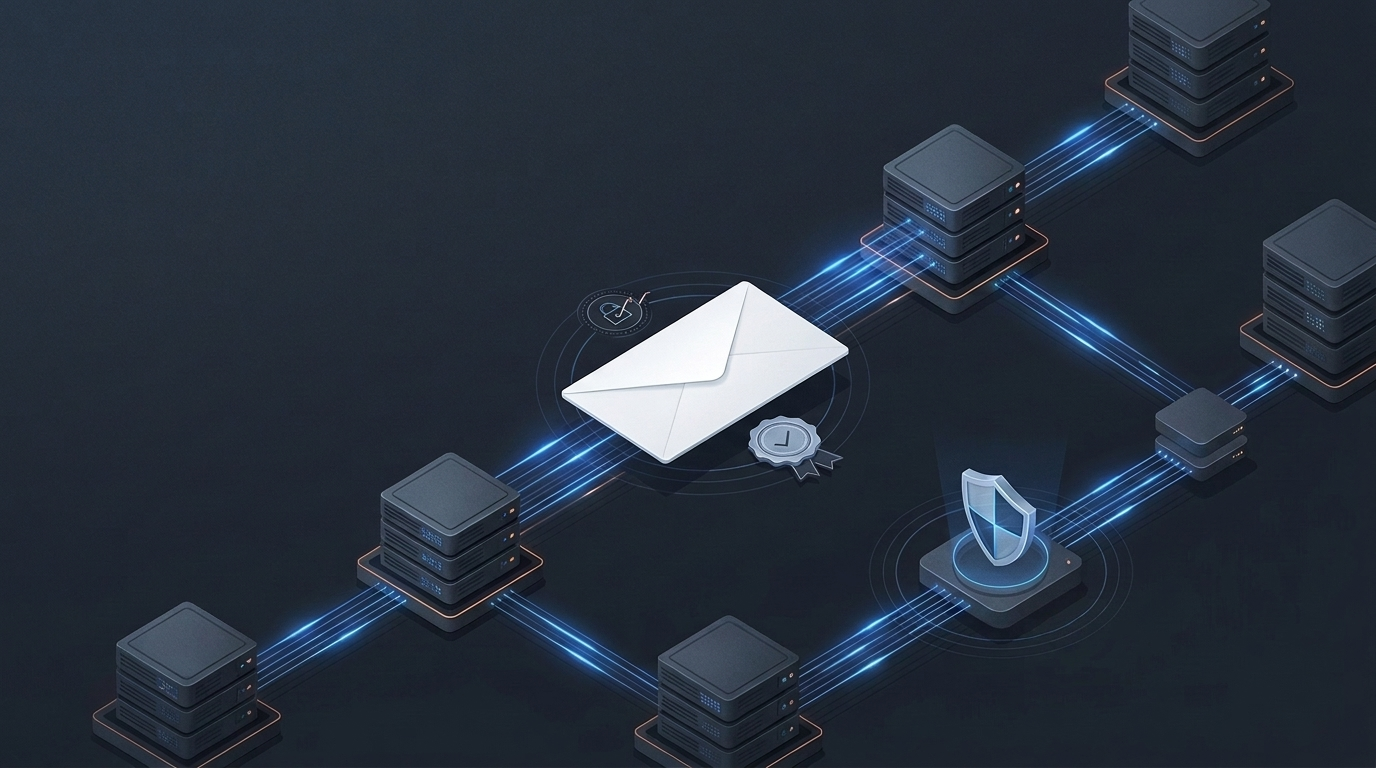
You press “Send” and the message disappears. A few seconds later it appears in another inbox.
It seems like a direct path between two people, but an email goes through clients, servers, DNS queries, relays, filters and stores. With each jump it changes hands. It also changes what is encrypted, what identity is accepted, and how much the server in front is trusted.
Email was born to move messages between systems that trusted each other. When the Internet arrived, security had to be added to an architecture that had already been in place for decades.
Press «Send». The tour begins
The first actor is the MUA, the Mail User Agent: Outlook, Thunderbird, Apple Mail or the web interface from which you write.
That client does not usually launch the message directly against the recipient’s server. It first delivers it to an MSA, your provider’s Message Submission Agent.
The initial submission is usually authenticated because the provider needs to know which user is trying to send the message. Typically port 587 is used with STARTTLS or port 465 with implicit TLS. The standard separates this function from the relay between servers, which continues to use SMTP on port 25.[1] [2]
The MSA delivers the message to a MTA, Mail Transfer Agent. It queries DNS to locate the receiving domain’s MX records, which indicate which servers accept mail for that domain.
Then open an SMTP connection with the following server. It can be the final server, another relay, a security gateway or a gateway that resends the message.
When mail reaches its destination, a delivery system deposits it in a warehouse. The recipient then consults it through a web interface, IMAP or, increasingly less, POP3.
The simplified route looks like this:
MUA → MSA → MTA emisor → DNS/MX → MTA receptor → almacén → MUA receptorIn the real world there are usually more boxes: antispam, sandboxing, DLP, archiving, link rewriting or third-party relays. Mail is more like a logistics chain than a direct pipeline.
The envelope and the letter
SMTP transports an object with two parts: envelope and content.[3]
The envelope contains the instructions that the servers use during delivery. Commands such as MAIL FROM and RCPT TO appear there.
The content includes the headers From, To, Subject, and Date, followed by the body of the message.[4]
The From you see on the screen is not the MAIL FROM that the servers use to manage delivery and bounces. They can coincide, but they don’t have to.
An attacker can write a fake address on the visible From just as someone can put a fake return address on the corner of an envelope. The base protocol does not convert that text into a proven identity. Much of modern email security attempts to close that gap.
SMTP moves; IMAP and POP3 allow collecting
SMTP takes care of shipping and transportation. IMAP and POP3 allow access to messages already in the mailbox.
IMAP works on the mailbox stored on the server. It allows you to manage folders, flags, searches and synchronization between several clients. That’s why you can read an email on your mobile and find it marked as read on your computer.[5]
POP3 responds to an older model. The client downloads the messages and, in its original approach, usually deletes them from the server. It has far fewer capabilities for managing folders or syncing multiple devices.[6]
The main difference is in the access model, not that one is secure and the other is not. Both need TLS, strong authentication, and a decent setup.
The original protocols allowed credentials and messages to be exchanged in the clear. The modern recommendation is to use implicit TLS: port 993 for IMAP and 995 for POP3.[2]
TLS encrypts every leg
With email there can be TLS between your client and your provider, another TLS channel between the sending provider and a gateway, and a third between that gateway and the receiving server.
Each channel protects its section. This makes it difficult for anyone in the middle to listen to or modify the traffic, but servers at the edges can still read and process the message. It also does not guarantee that all hops used encryption.[7]
Opportunistic STARTTLS has been widely used in the relay between servers. The server announces that it supports TLS and both parties upgrade the clear connection to an encrypted connection.
The issue appears when an active attacker removes the STARTTLS banner or manipulates the resolution of the MX record. If the servers agree to continue without TLS, the message continues to circulate in the clear.
MTA-STS allows a domain to publish a policy indicating that it expects authenticated TLS and what the issuer should do if it cannot establish it. DANE seeks similar protection through TLSA and DNSSEC records.[8]
Both improve transport protection, but do not provide end-to-end encryption.
SPF: which machines can speak on your behalf
SPF allows a domain to publish to DNS which hosts are authorized to send using that domain in the SMTP identities HELO/EHLO or MAIL FROM.[9]
When the receiving server receives a connection, it compares the sending IP with the SPF policy of the corresponding domain. If it appears authorized, SPF passes.
This does not prove that the visible From is authentic. SPF primarily looks at the SMTP envelope, not the address that the user identifies as the sender.
It also doesn’t handle all forwarding well. If an intermediate server resends the message from an IP that the original domain did not authorize, SPF may fail even though the mail is legitimate.
SPF only checks whether a machine is authorized to use a domain in a particular part of the SMTP conversation. It does not identify the person who wrote the message or validate its content.
DKIM: the seal of mastery
DKIM adds a cryptographic signature to the message.
The sending server calculates a hash on the headers and body parts that it decides to protect. It then signs that result with a private key. The public key is published in DNS.
The receiver retrieves that key and verifies the signature. If everything fits, you know that the signing domain controlled the private key and that the signed parties have not changed since the signature was generated.
That does not prove that the person shown in From is the one who wrote the message. The domain you sign doesn’t even have to match that From.[10]
DKIM also does not encrypt the content. It works like a seal, not a safe.
Additionally, some systems modify messages during transit. They add a footer, rewrite links or alter the encoding. Depending on what was signed and how it was normalized, those changes can break the signature.
DMARC aligns identities
DMARC attempts to match what the user sees with what SPF and DKIM have validated.
For a message to pass DMARC, it needs SPF or DKIM to pass and the authenticated domain to be aligned with the domain of the visible From. Alignment can be strict or relaxed.[11]
The domain owner can also post a preference:
p=none: observe and receive information.p=quarantine: request that failures be treated as suspicious.p=reject: ask to be rejected.
The receiver keeps the last word.
DMARC also generates reports. They are used to discover legitimate services sending unauthenticated messages, alignment errors, and attempts to use the domain without authorization.
It is a powerful tool against exact domain spoofing, but an attacker can still register a visually similar domain and configure SPF, DKIM, and DMARC correctly. It can also compromise a legitimate account and send from authorized infrastructure.
In both cases, the message can pass technical checks and still be a scam.
What each mechanism protects
| Mechanism | Mainly protects | Does not prove |
|---|---|---|
| TLS | The connection between two points | Full end-to-end encryption |
| SPF | Authorizing an IP for certain SMTP identities | That the visible From is legitimate |
| DKIM | Linking to a signatory domain and the integrity of the signed parties | May the visible author be who he says he is |
| DMARC | The alignment of the From with SPF or DKIM and a treatment policy | That the content is benign |
| S/MIME / OpenPGP | End-to-end content signing and encryption | Make key management simple |
| Filters and gateways | Detection of spam, malware, suspicious links and patterns | That no malicious message will pass |
Each layer solves a different part of the problem. TLS doesn’t authenticate the employee requesting a transfer, DMARC doesn’t catch all lies, and a filter doesn’t fix a stolen account.
End-to-end encryption
S/MIME and OpenPGP allow content to be encrypted and signed so that only the intended recipients can read it.
S/MIME typically relies on X.509 certificates. It can provide confidentiality, authentication, integrity and proof of origin. To encrypt, the sender needs to have the public key of each recipient.[12]
OpenPGP combines symmetric cryptography for content with public key cryptography to protect the session key. It also allows you to sign messages.[13]
The result offers more protection than relying only on TLS between servers, but key management introduces quite a bit of friction. You have to distribute them, validate who they belong to, protect the private ones, rotate them, revoke them and regain access when someone loses a device or leaves the organization.
In a closed or regulated environment it may make sense. For everyday mail between unknown organizations, that friction explains why it hasn’t become universal behavior.
Even with end-to-end encryption, some metadata necessary to deliver the message is exposed.
What DNS records don’t fix
A message can pass SPF, DKIM and DMARC and still be a scam. It can come from:
- A legitimate account compromised.
- An authorized supplier attacked.
- A similar domain registered by the attacker.
- An employee who has been deceived.
- A hijacked conversation with real context.
Here we enter the realm of phishing and Business Email Compromise.
The defense requires several layers: MFA—preferably resistant to phishing—, endpoint protection, email filters, review of suspicious rules, training and processes to verify sensitive requests through another channel. CISA recommends combining these measures instead of relying everything on the password or the user’s ability to detect cheating.[14]
For an urgent payment, a thirty-second call can be worth more than all the checks visible in the headers.
So is email secure?
It depends on the entire chain. Mail can be well protected if:
- Submission and access require TLS and strong authentication.
- Transport between servers forces TLS when applicable.
- SPF, DKIM and DMARC are deployed and monitored.
- Accounts use phishing-resistant MFA.
- Filters inspect links, attachments and anomalous behavior.
- Sensitive actions are verified outside the email itself.
- Critical content uses end-to-end encryption when the risk justifies it.
It can also be broken by a single link: a stolen account, a lookalike domain, a hidden forwarding rule, or a credible request received at six in the afternoon.